1 MONTH
£24 per plan
Short-term flexibility
- 1 connection included
- 1–4 connection options
- Setup guidance
- 24/7 support
- No automatic renewal
PREMIUM IPTV UK · FLEXIBLE SUBSCRIPTION PLANS
Choose a flexible IPTV UK subscription with live TV, sport, movies and series across supported TVs, Firestick, Android, Apple devices and more. Compare 1, 3 and 12 month plans from £24.
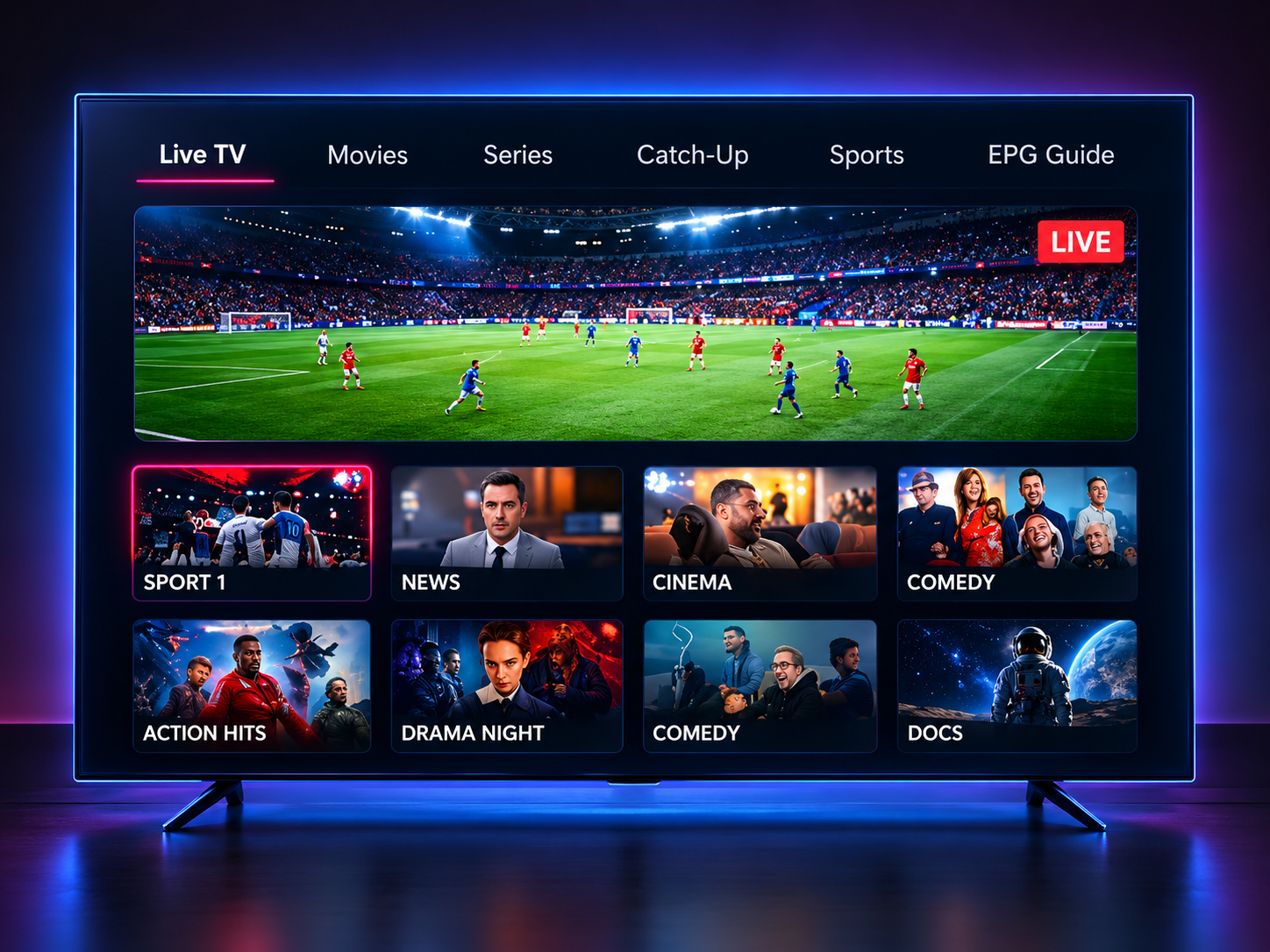
IPTV SUBSCRIPTION PLANS
Compare flexible 1, 3 and 12 month IPTV subscription plans from £24. One connection is included and plans do not renew automatically.
1 MONTH
£24 per plan
Short-term flexibility
3 MONTHS
£34 per plan
A flexible mid-term option
12 MONTHS
£65 per plan
Lowest Monthly Equivalent
See multi-device IPTV prices or compare all options on the full IPTV subscription pricing page.
LIVE TV, SPORTS & ENTERTAINMENT
Explore live and on-demand entertainment across supported devices, with stream quality and features varying by channel, content and connection.
A viewing line-up for every day
Browse a varied interface across live channels and on-demand categories. Programme availability and catch-up features differ by channel and title.
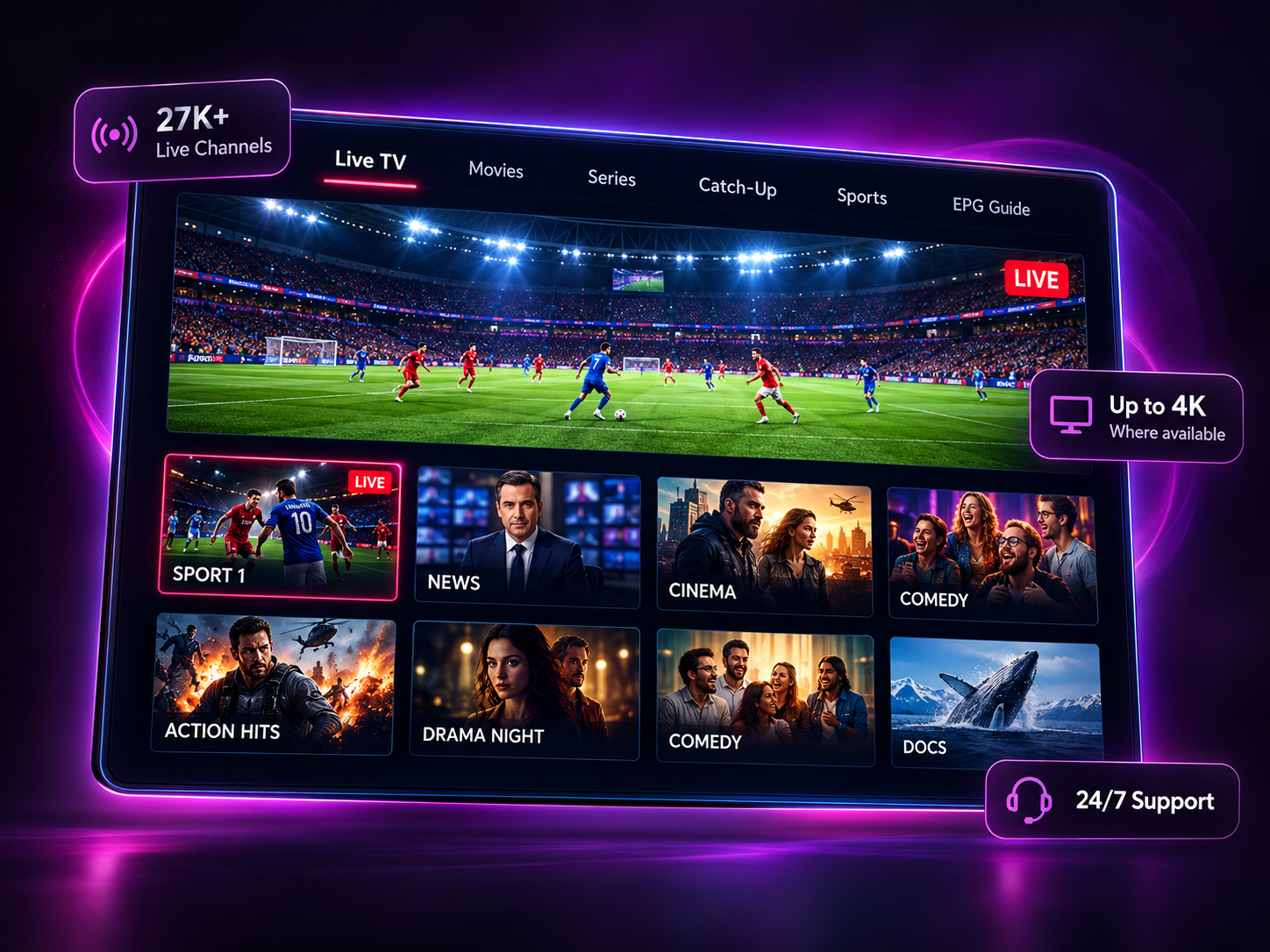
WATCH ON YOUR DEVICES
Find device-specific setup information before sending an order request. App compatibility and setup steps vary by platform.
DEVICE SETUP GUIDES
Choose your device for step-by-step IPTV setup instructions. Our existing guides cover the most common TVs, streaming devices, phones and computers.
MORE SCREENS, CLEAR MATHS
Choose how many streams should play at the same time. One connection is included in the base plan; each additional simultaneous connection adds 50% of that plan’s base price.
Read about multi-device IPTV prices£24 base plan£12 additional connection
Continue to order requestThe order form validates plan and pricing on the server. No payment is taken on this page.
FROM PLAN TO SETUP
Submitting the form sends a request. The team contacts you with next steps; it is not a payment or activation confirmation.
Compare terms and connection options.
Share your contact details and device type.
The team replies with the next steps.
Follow the instructions for your device.
A SIMPLE OVERVIEW
Internet Protocol Television (IPTV) delivers television content over an internet connection to a compatible device. Instead of a traditional broadcast signal, programmes are streamed through a suitable app or player.
To get started, check that your TV, streaming device, phone, tablet or computer is supported, then follow the relevant setup instructions. App compatibility and steps differ by platform.
Viewing quality depends on the stream, device and network conditions. Check the plan details and ask support if you need help before making a request.
IPTV UK FAQ
IPTV (Internet Protocol Television) delivers television over an internet connection instead of a traditional broadcast signal. A compatible device and app or player receive the stream. Available channels and features depend on the service and content. Check the plan details and only access content you are authorised to receive.
Supported device categories include Fire TV and Firestick, Samsung and LG Smart TVs, Android TV, iPhone and iPad, Apple TV, MAG devices, Windows and Mac. The available app and setup steps vary by model, operating system and region. Check the guide for your device before sending an order request.
The current guide uses the Downloader app on Fire TV to install the player provided for your setup. You then open the player and enter the account details supplied by the team. The exact steps can vary by Fire TV model and software version. Use only the app link and instructions provided through the official support route.
Firestick IPTV setup guideThe current setup guidance recommends at least 10 Mbps for HD, 20 Mbps for Full HD and 30 Mbps or more for 4K. A stable connection matters as well as the headline speed. Ethernet can be more consistent than Wi-Fi for live viewing where a wired connection is practical. These figures are guidance, not a performance guarantee.
Installing an app on several devices is different from streaming on several screens at once. One simultaneous connection is included in the base plan; each additional simultaneous connection adds 50% of that plan’s base price. Use the multi-device pricing page to compare connection options.
multi-device IPTV pricesWhether to use a VPN depends on your privacy preferences, network and device compatibility. This website does not promise that a VPN will change stream availability or solve connection problems. A VPN does not grant permission to access content; use services and content you are authorised to receive.
The current offer describes a 24-hour trial. Availability and setup details can change, so contact the team to confirm what is currently available before you make a request. The order-request form itself does not take payment or activate a trial automatically.
The listed 1, 3 and 12 month plans do not renew automatically. Sending an order request is not a payment or activation confirmation; the team contacts you with next steps. Check the current plan details before deciding whether to request a new term.
Start by checking your internet connection and restarting the app and device. If the problem continues, restart your router, try Ethernet where practical and check whether other household devices are using the connection heavily. If it still happens, contact support with your device model and a description of the issue; do not send your service password.
YOUR NEXT STEP
Compare our 1, 3 and 12 month IPTV plans or ask the support team if you need help before ordering.